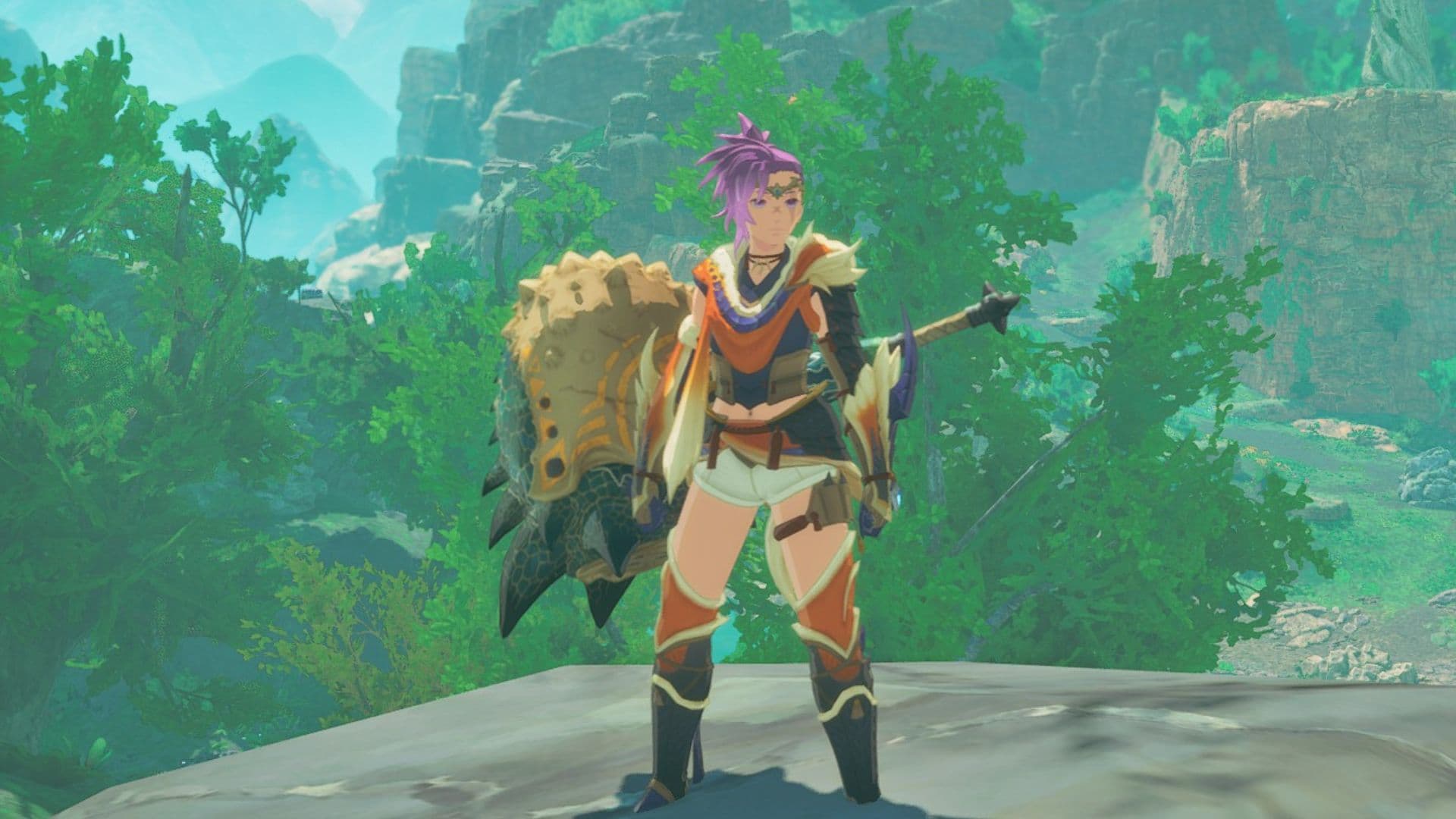
If you’re deep into Monster Hunter Stories 3 fashion-hunting, you’ve probably hit the same wall every rider does: the perfect armor set… stapled to a helmet that nukes your hairstyle and covers your character’s face. The good news is Capcom has baked in a clean, simple solution—a Display Headgear toggle—so you can keep your stats while showing off your character design.
And yes, it matters more than it sounds. Monster Hunter Stories 3 is absolutely the kind of RPG where you spend hours chasing rare eggs, repelling Invasive Monsters, and tuning your build—so being forced into a bucket-head look the whole time would be a crime. Here’s exactly where the option is, what it does, and the one key limitation you should know before you flip the switch.
Where the “Display Headgear” Option Is (And How to Use It)
To hide your helmet/hat in Monster Hunter Stories 3, you’ll do it from your equipment screen—not from a photo mode menu or a separate “appearance” tab.
Here’s the path:
- Open the in-game menu
- Go to the Party tab
- Select Change Equipment beneath your character
- On the equipment/stats screen, look to the bottom-left corner for Display Headgear
- Toggle it to the setting you want
On PC, you can change the setting by pressing R, or by left-clicking on Display Headgear.
This is one of those quality-of-life features that should be standard in any gear-driven game, and I’m glad it’s not buried behind a dozen submenus. It’s fast, it’s readable, and it’s exactly where players will naturally look when they’re already fiddling with armor.
What Each Display Headgear Setting Actually Does
Monster Hunter Stories 3 gives you three options under Display Headgear:
- On
- Off
- Off during cutscenes
Here’s the practical breakdown:
- On: Your character’s headgear is always visible.
- Off: Your character’s headgear is never shown.
- Off during cutscenes: Your character wears the helmet in normal play, but it’s hidden in cutscenes.
That last option is the sweet spot for a lot of players: you keep the “armored rider” vibe in exploration while letting story scenes actually show your character’s face and hair.
The catch: battle cutscenes aren’t included
There’s one important limitation: “Off during cutscenes” will not remove headgear during battle cutscenes. So if you were hoping for a fully cinematic, helmet-free experience during combat moments, this toggle won’t cover every scenario.
It’s not a dealbreaker, but it’s worth knowing so you don’t spend time wondering if the setting “didn’t save” or bugged out.
Why This Setting Is a Big Deal (Especially in a Game About Chasing Rare Monsters)
On paper, hiding a helmet sounds cosmetic—and it is—but in a game structured like Monster Hunter Stories 3, cosmetics and identity are part of the loop.
You’re not just grinding numbers. You’re building a rider, a team, and a look that’s yours while you roam regions like Azuria, Canalta Timberland, Tarkuan, and Serathis. And if you’re the kind of player hunting the game’s rarest eggs—Endangered Species guarded by powered-up Invasive Monsters—you’re going to spend a lot of time in menus, in fights, and in story moments.
That’s why the headgear toggle lands so well: it lets you keep your preferred armor set without sacrificing your character’s design. In a monster-collecting RPG where the fantasy is “your rider and your monsties,” covering the rider’s face 24/7 is the fastest way to make them feel like a generic placeholder.
And speaking of those Invasive Monsters: the game leans hard into the idea that you can’t just brute-force everything. These encounters are framed more like tactical puzzles—repel the threat, claim the egg, come back later if you want the full kill. That’s a long-haul playstyle, and you deserve to look good doing it.
What Remains Unknown
- Whether console versions use the same button prompt as PC for toggling Display Headgear (only the PC controls—R and left-click—have been specified).
- Whether there are any additional cosmetic visibility toggles (for example, other gear display options) beyond Display Headgear.
- Whether Capcom plans to expand the “Off during cutscenes” behavior to include battle cutscenes in a future update (no such change has been announced).